
Master Schemer
A feature tour of Master Schemer, our CAD-style editor for molecular programming schemes. Each chapter is a short screen recording. Work through them in order, or jump to the feature you need.
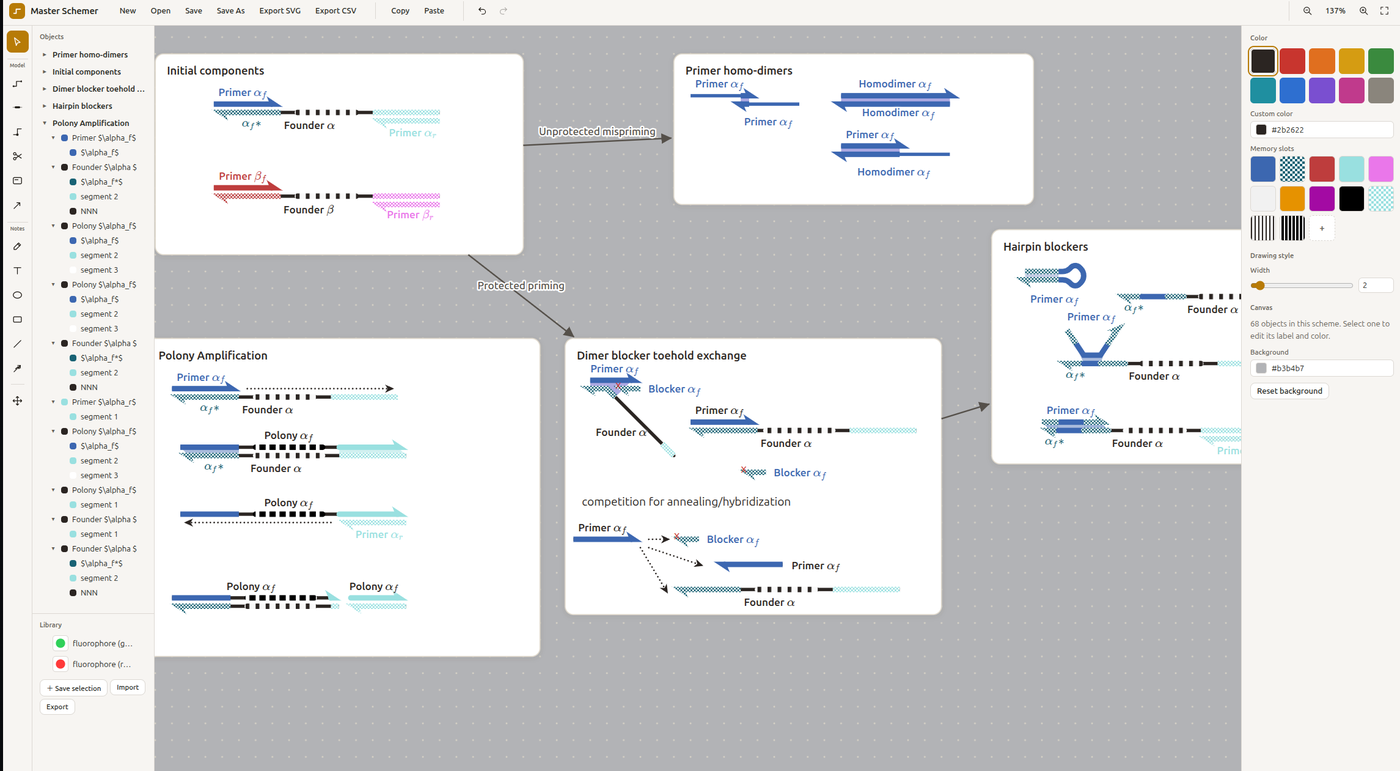
In Master Schemer, lines, segments, cards and arrows are tracked objects rather than plain ink. A strand keeps its domains, colours, sequence and links to whatever it binds, and its LaTeX labels survive export. The program runs on macOS, Windows and Linux, and exports SVG and CSV.
01
Drawing strands
Start with the Strand tool. Every strand is drawn from straight segments that can be smoothed into curves, and its 3′ end gets the half-arrow “harpoon” used in hand-drawn DNA schemes.
- Strand tool with barb / harpoon end caps
- Smooth curves from straight segments
- LaTeX labels: size, weight, drag to place
- Edit a line; Ctrl+drag to copy
02
Domains and base pairing
Split strands into named domains. A domain and its complement (a and a*) share a colour, with the complement drawn lighter, and antiparallel complements can be paired.
- Antiparallel strands; the Domain tool names a / a*
- The Domains panel colours complements (a* lighter)
- Pair with base pairs: filled or rungs
- Extend a strand; Draw As DNA
03
Reaction steps: cut, ligate, connect
A scheme is a sequence of steps. Each step lives on a card, and arrows between cards show what happens next.
- Cards as steps; Ctrl+drag to copy a card
- The Cut tool leaves sticky ends; nudge the pieces apart
- Labelled Connect arrows between steps
- Join Lines to ligate; Object → Align
04
Annotation and labels
Notes and labels carry text, math and data. Labels follow their strand when it moves, and hidden notes appear on hover.
- Notes with a wrap box, math and bold text
- Labels that follow the strand
- Document-wide and per-label styles
- Domain strings; Data / Data on hover shows hidden notes
05
Sequences on the grid
Strands can be drawn to scale: the grid counts bases, and a strand can be drawn as its actual sequence.
- Base ticks and whole-base drawing
- Sequence field → Draw as Sequence
- Resize strands to the grid; set bases per square
- View → Draw Strands
06
Rendering styles and export
The same scheme can be rendered in several looks, from flat line art to stylised DNA, then exported.
- Memory slots on domains
- Draw As DNA: soft/toon, outline, ribbon
- Colour by sequence
- View overrides, colour themes, dark mode
- The Export dialog
07
Organising objects: groups and library
As schemes grow, the Objects panel and groups keep them manageable, and the library stores parts you reuse.
- Objects panel: name, rename, filter
- Groups with drill-down
- Library: surface block, stock proteins; Save to Library
- Right-click menus adapt to the selection
08
Linking and secondary structure
Links tie objects together so they move as one, and a strand can pair with itself to form hairpins.
- Patterned fill links that follow moves
- Hairpins: a strand pairing with itself
- Partial pairing; base-pair looks and rung modes
- Notes with live object references
09
Surface-anchored systems
A worked example: strands anchored to a surface, handed over from one anchor to the next.
- Strands anchored to the stock surface block
- Attachment dots; hand-over between anchors
- Remove Link; two-step cards
- The same scene in the DNA look
10
DNA nanomachines: tweezers
A worked example: DNA tweezers, a hinge that a fuel strand switches between open and closed.
- U-shaped hinge strand with tailed arms
- A fuel strand drives the switch
- Open and closed states side by side
11
Structural motifs: crossover tiles
A worked example: a double-crossover tile built from two helices, then copied into a lattice.
- Two helices; Shift+Cut splits a domain
- Crossover strands and the Holliday junction
- Copy tiles into a lattice
12
DNA origami
A worked example: a small DNA origami, with the scaffold rastered over four helices and held by staples.
- Scaffold rastered over four helices; corner radius
- Staples with paired crossovers
- Flip Horizontal; base ticks
- Naming and grouping the structure
Redrawn literature schemes
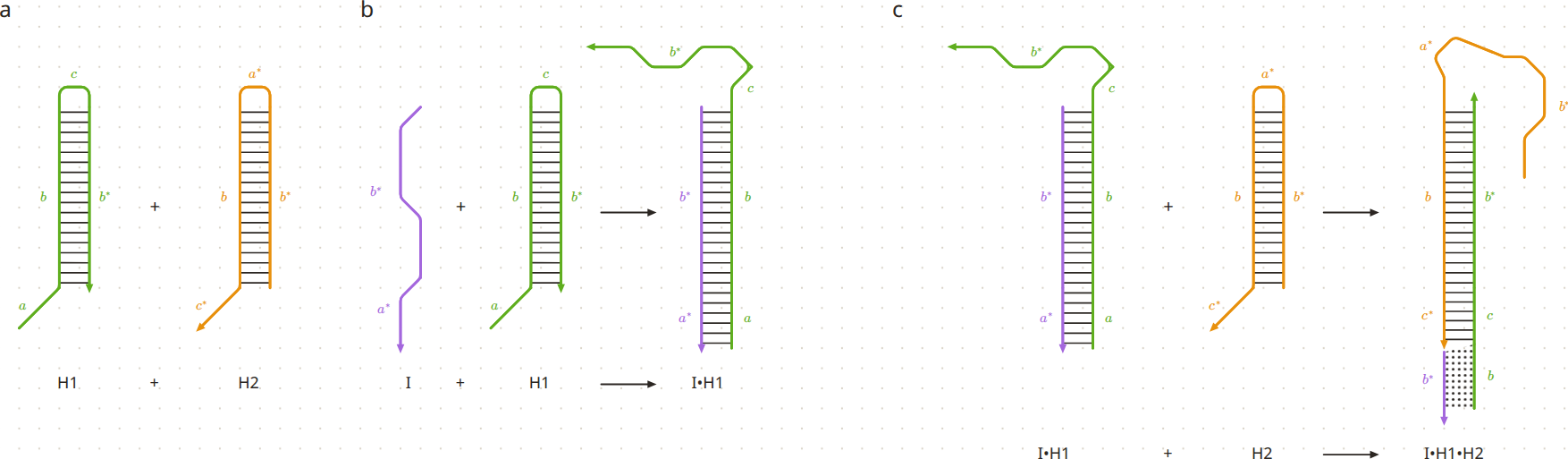
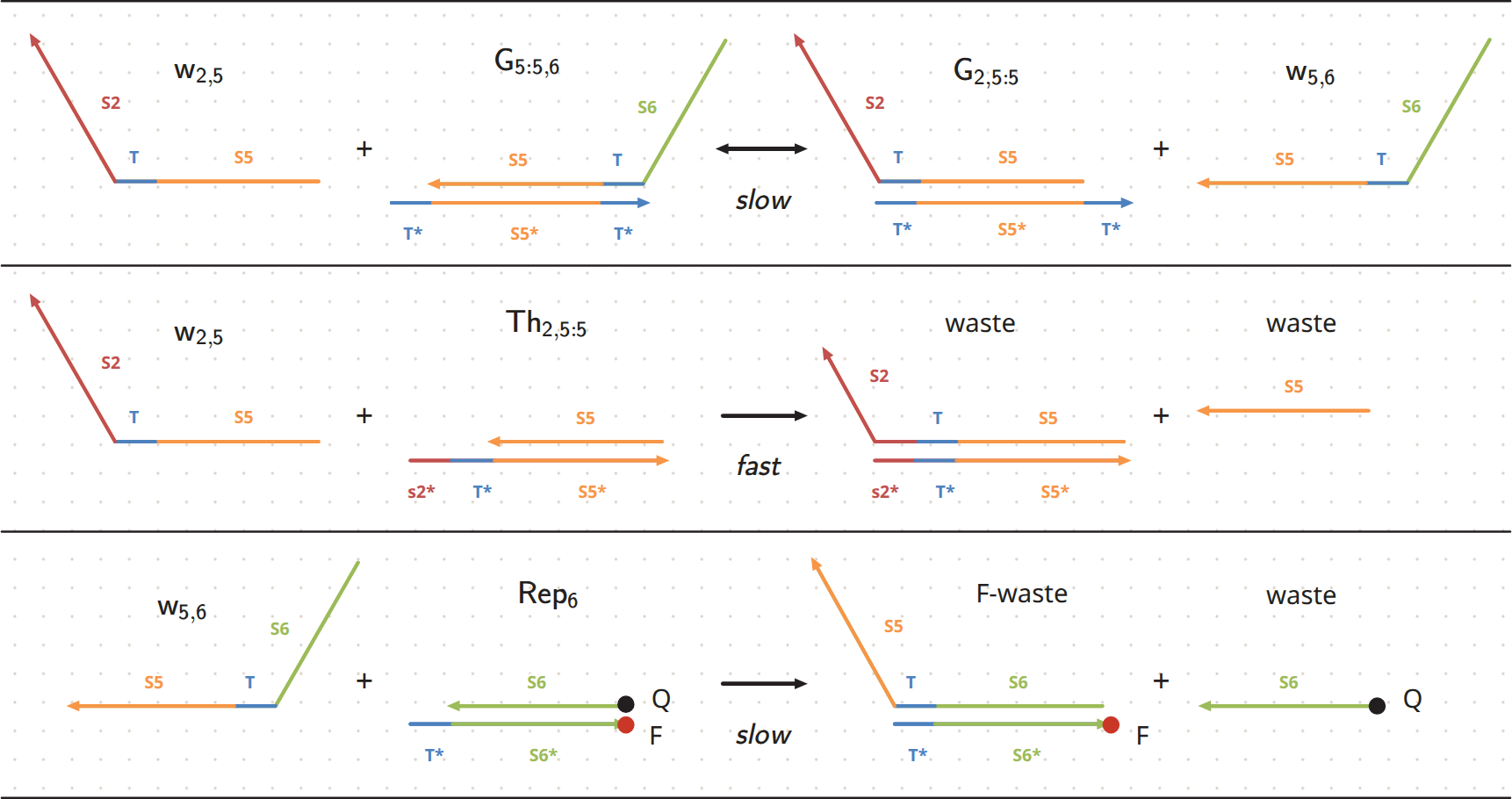
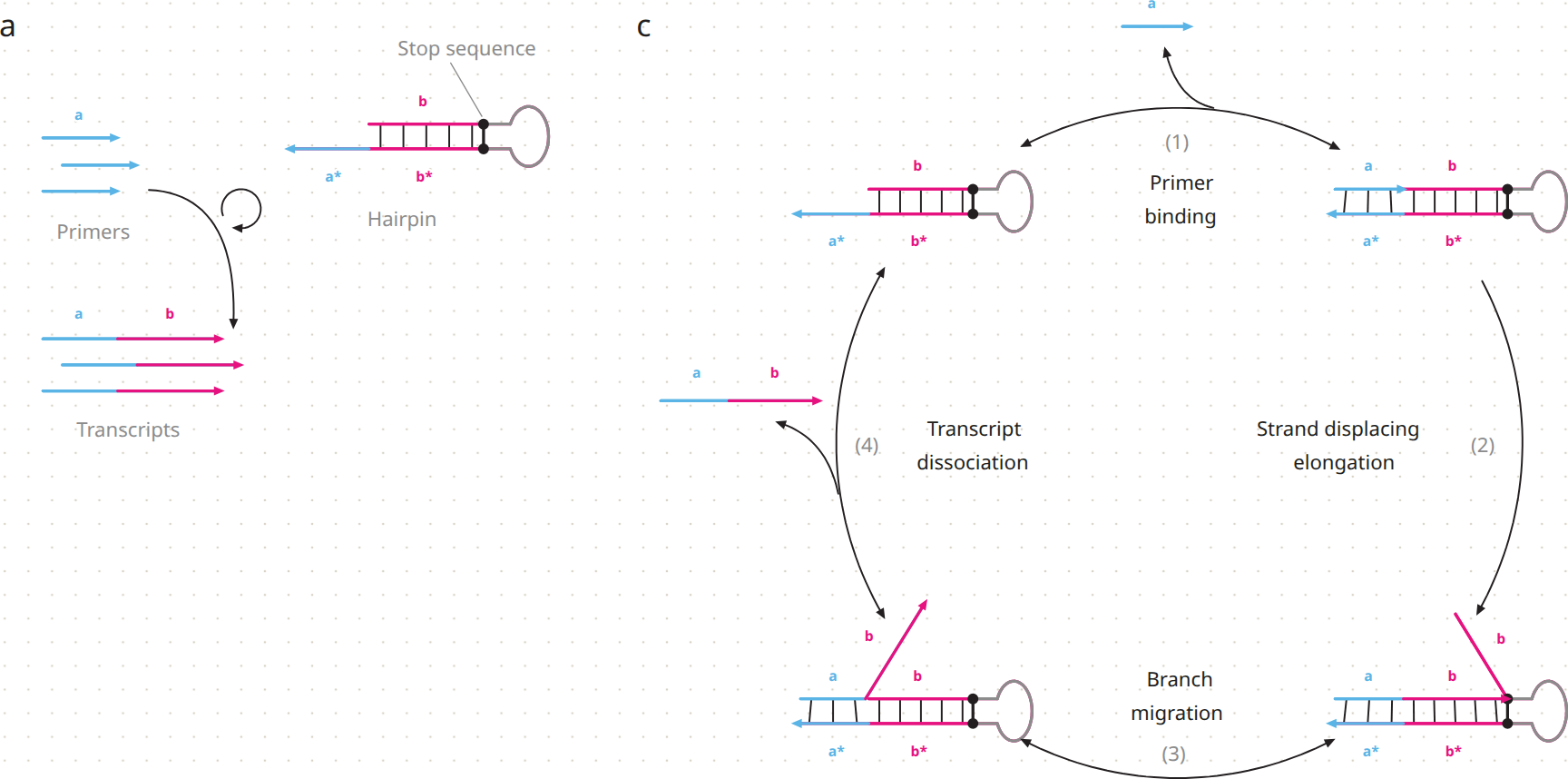
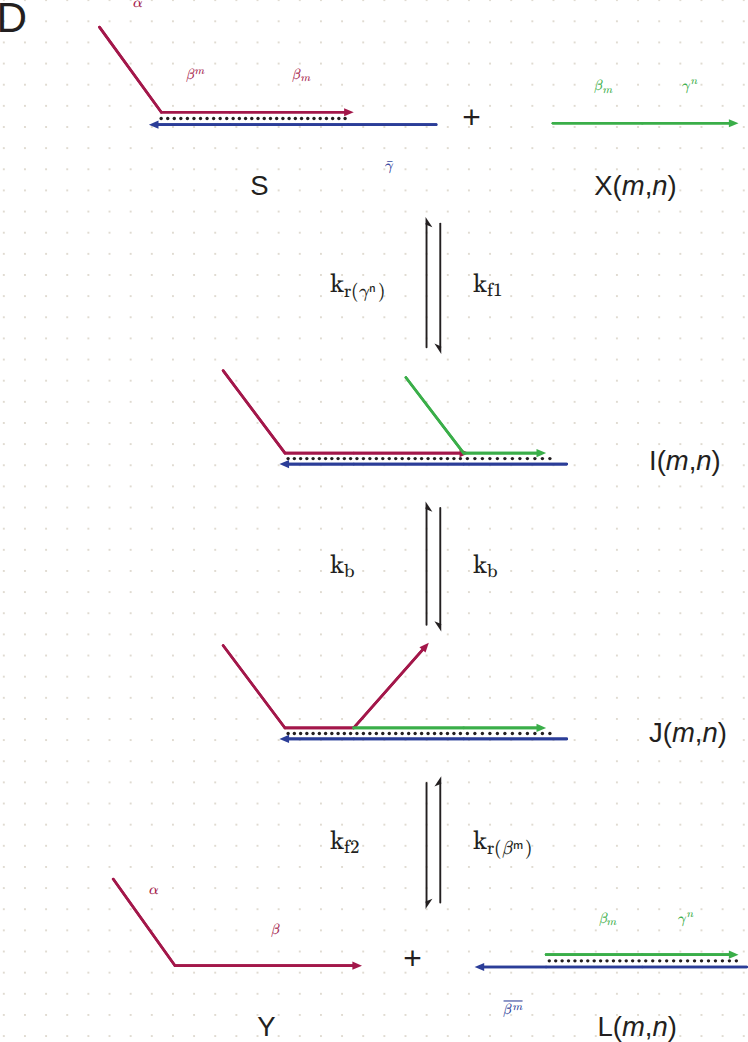
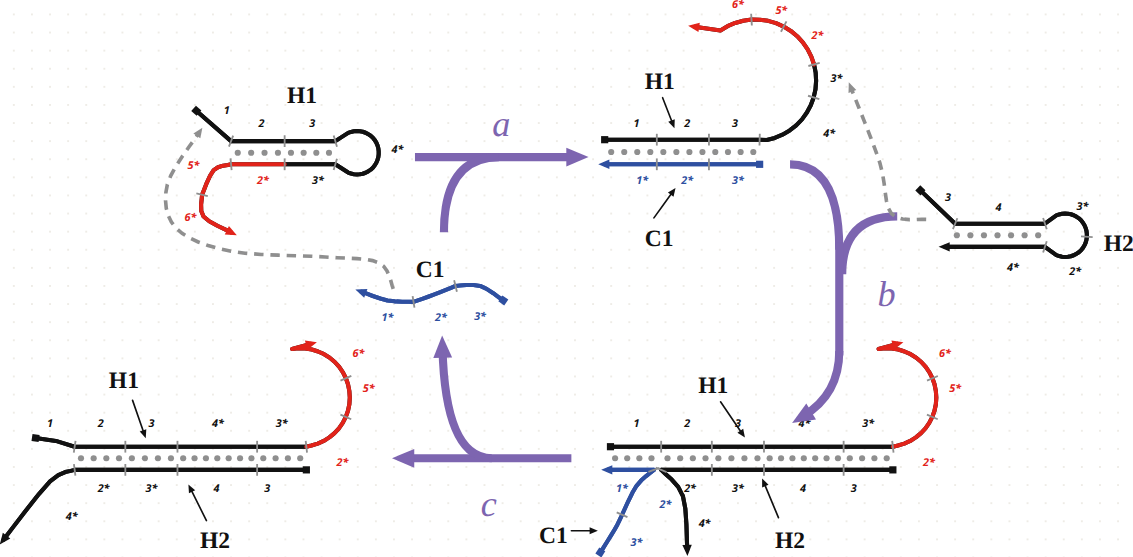
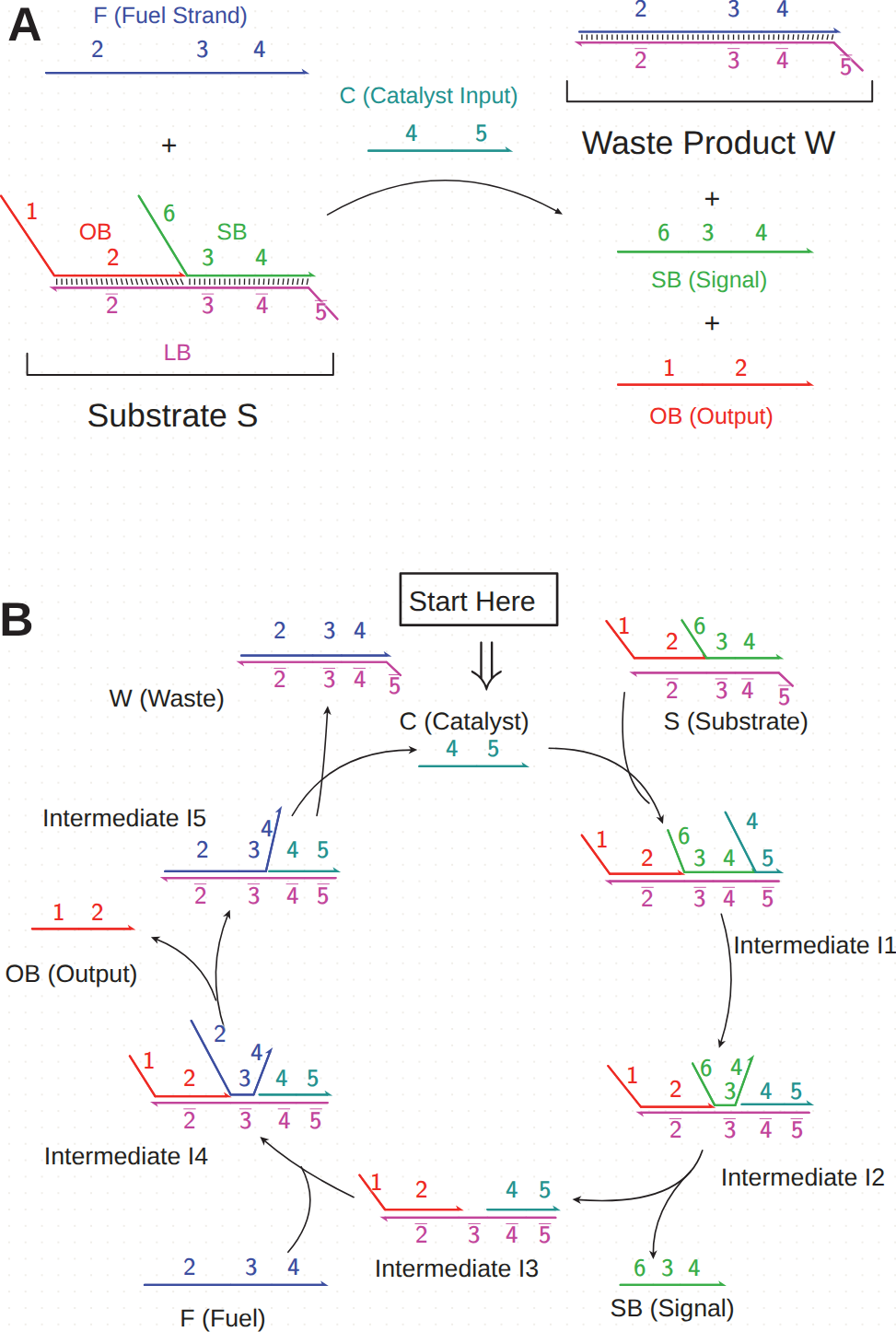
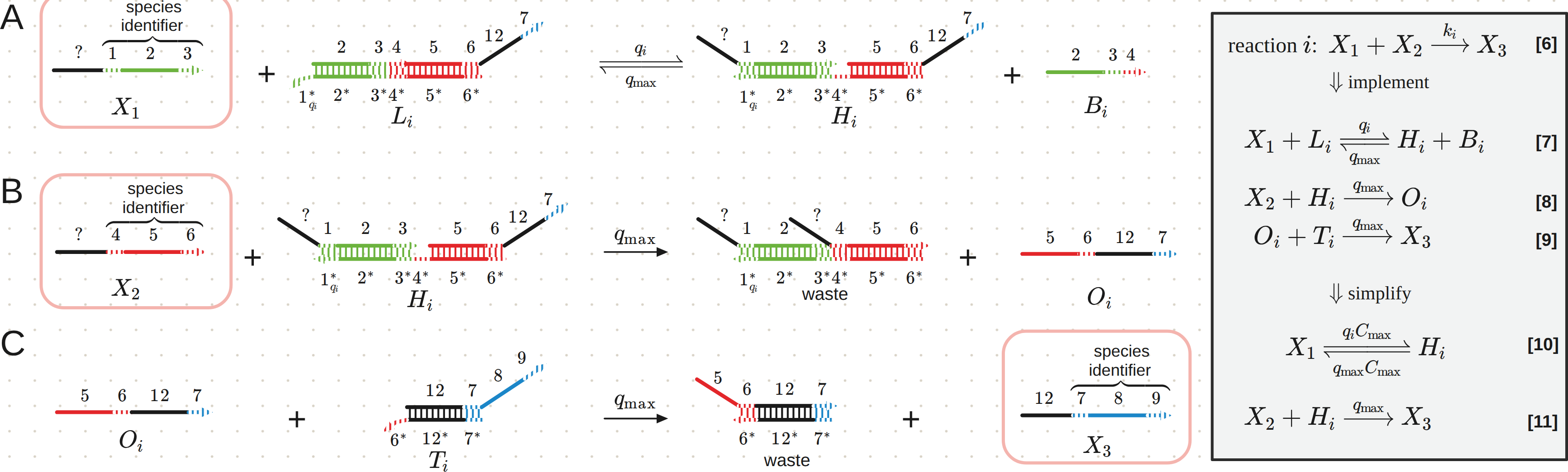
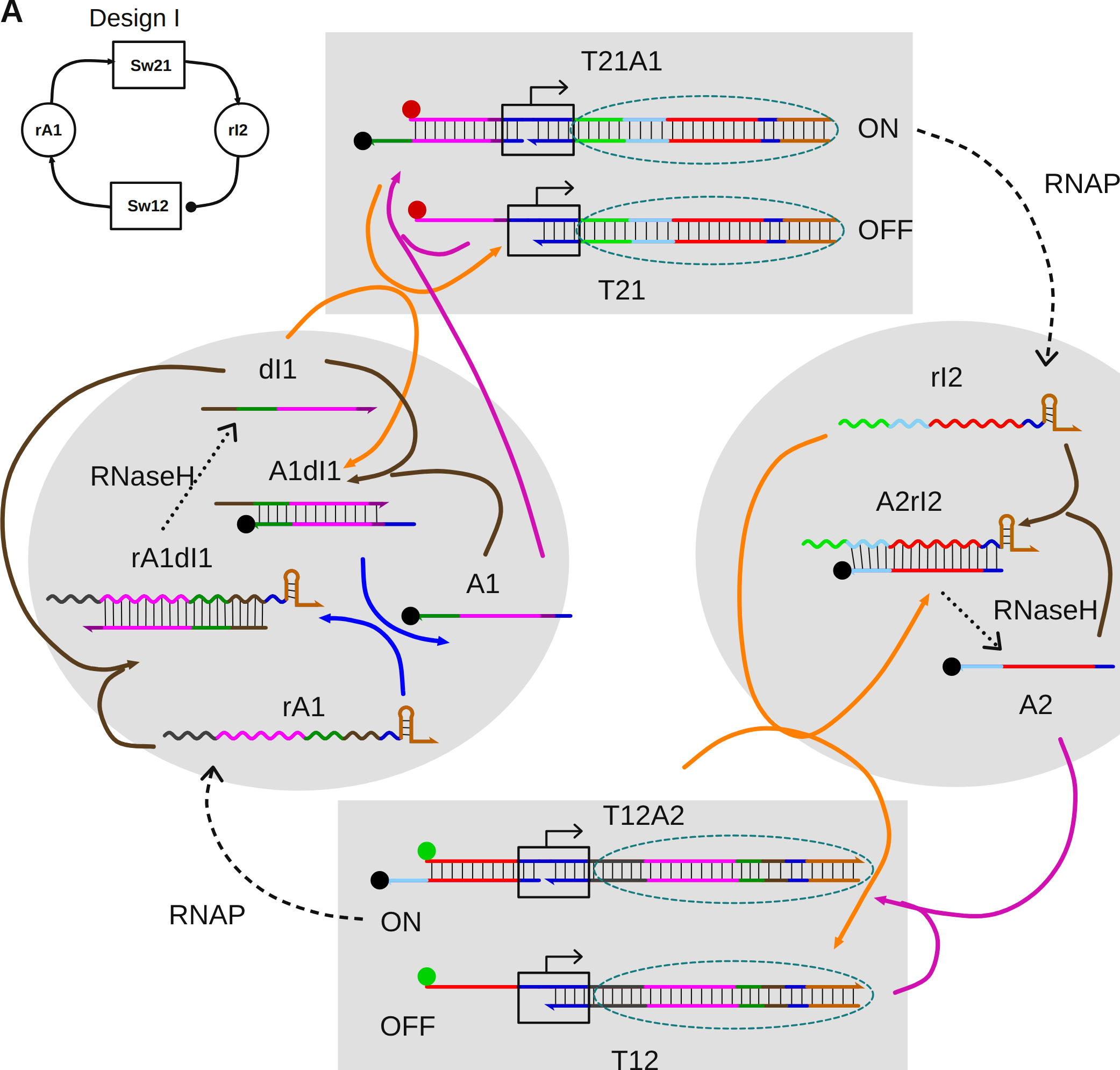
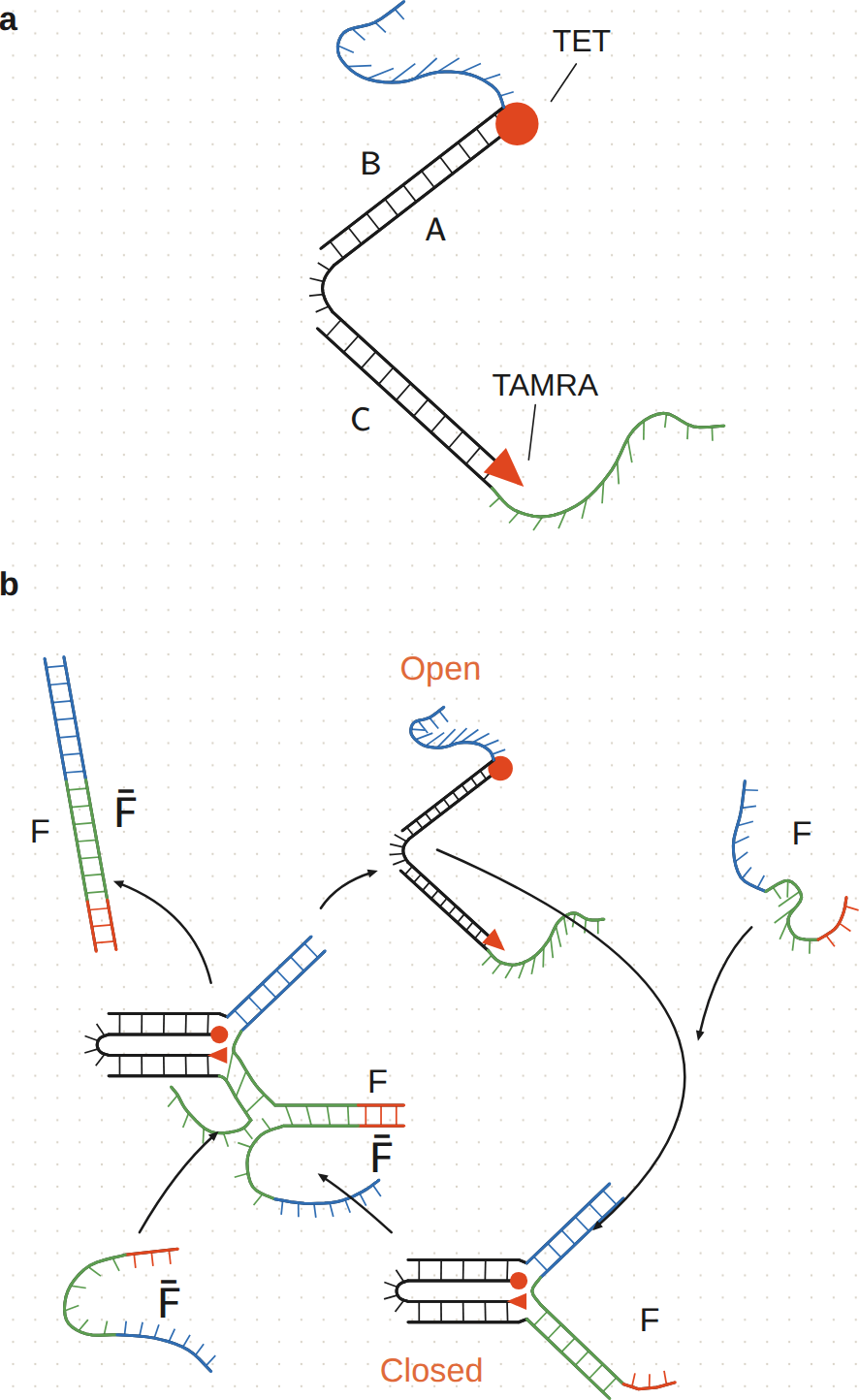
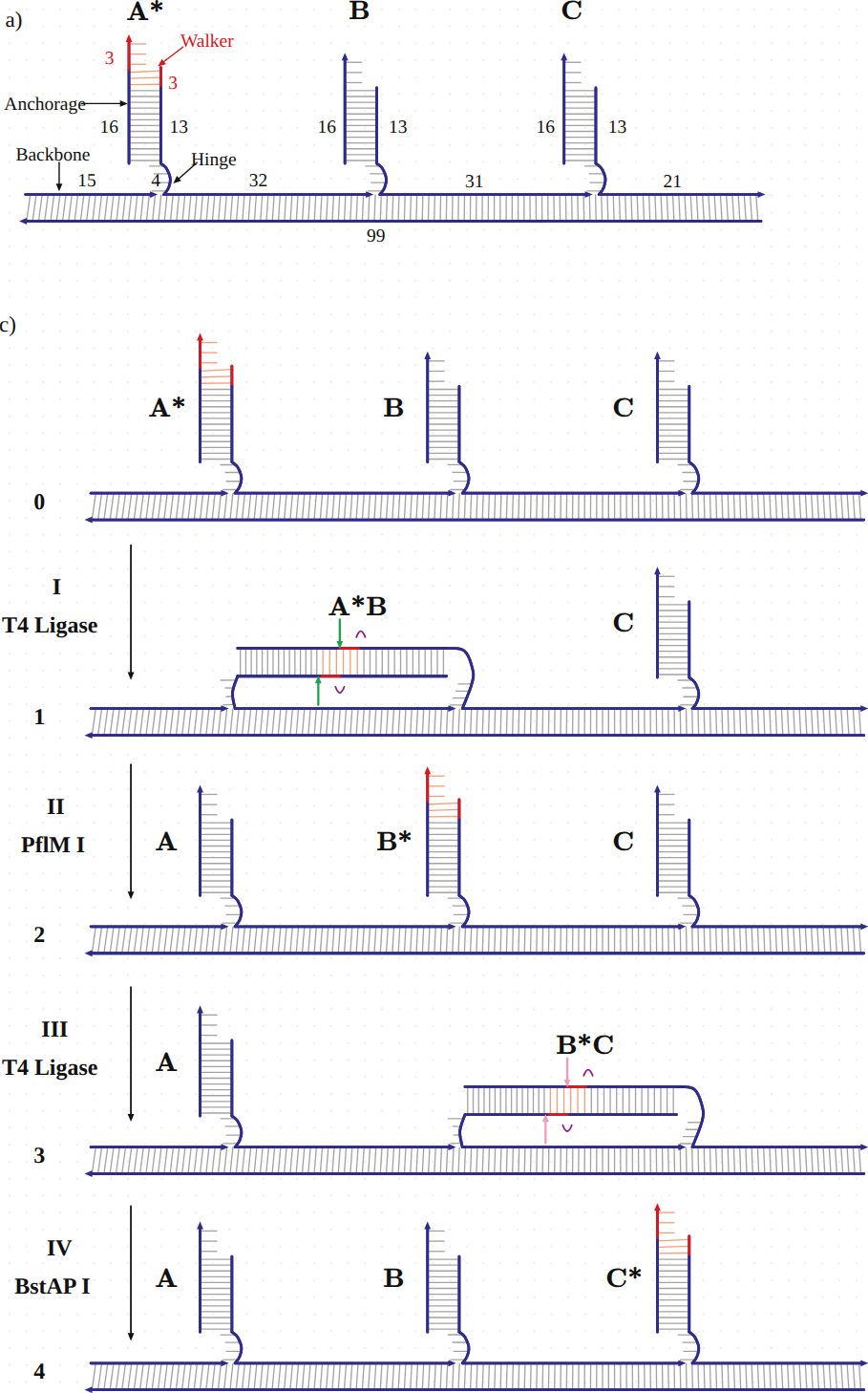
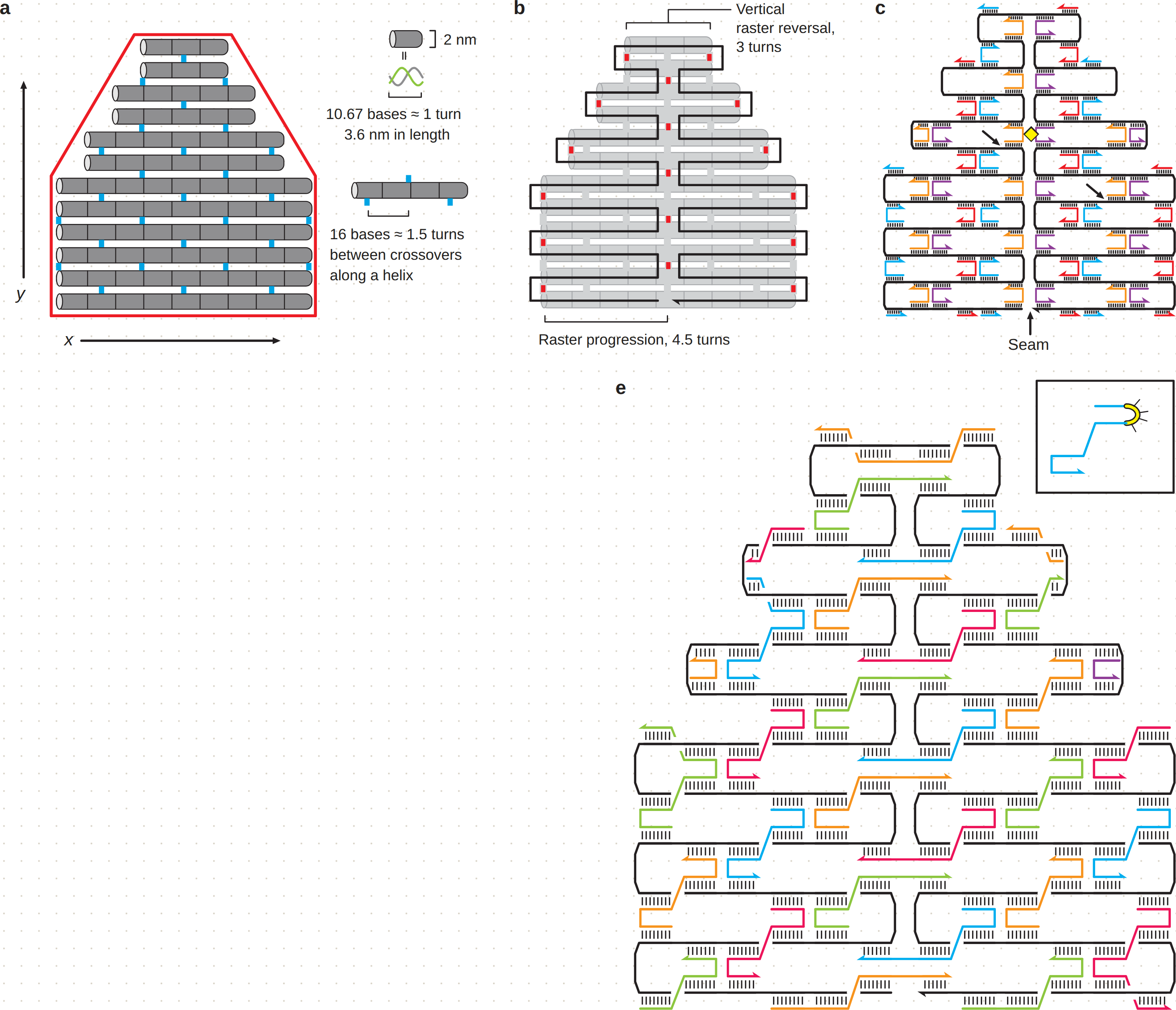
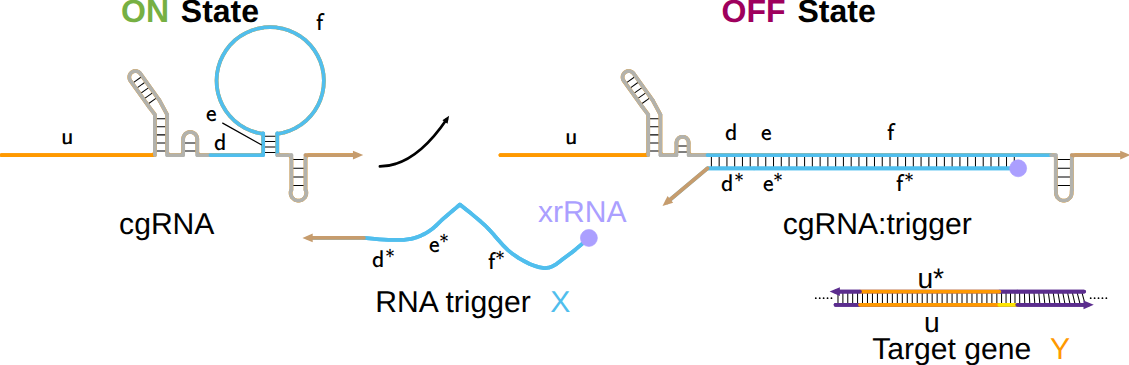
Classic schemes from the DNA nanotechnology and molecular programming literature, redrawn in Master Schemer.
Found a bug or missing a feature? Open an issue on the GitHub repository.